For tutors
Send notes and links in a lesson
Use the lesson chat for short notes and links. Contact details are blocked to help keep everyone safe.
Music: “Rise” by Corporate Music Zone, from Free Stock Music, licensed under CC BY 4.0.
Step 1
Open chat and send a message
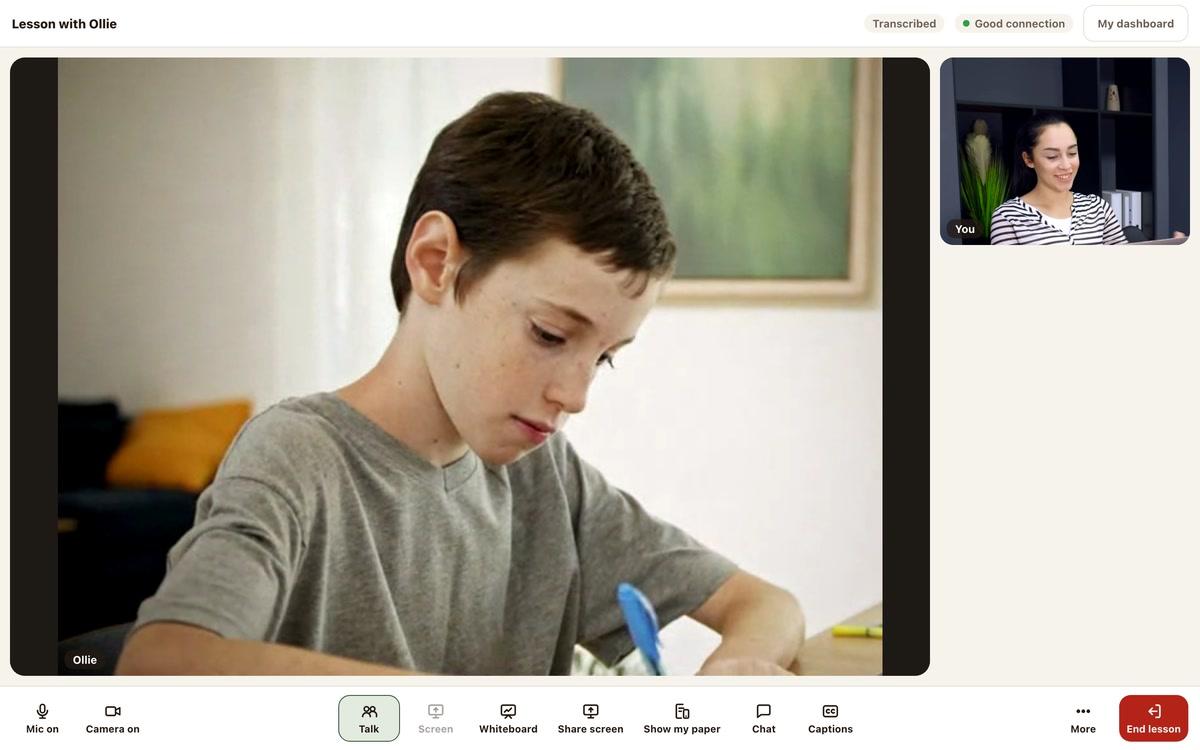
Press Chat in the bottom bar. The lesson chat opens at the side.
Type in the box that says “Type a message”, then send it.
- Use chat for short notes
- You can share links too
Step 2
Keep contact details out of chat
Phone numbers cannot be sent.
If you try, a warning asks you to keep contact through Remarkable Minds.
- Emails are blocked too
- Social media handles are blocked too
Good to know
Chat starts empty
Keep messages short
Saved with the lesson
Still stuck?
We will sort it out with you
Tell us what you pressed, what you saw, and which device and browser you are using.