For tutors
Practise before your first lesson
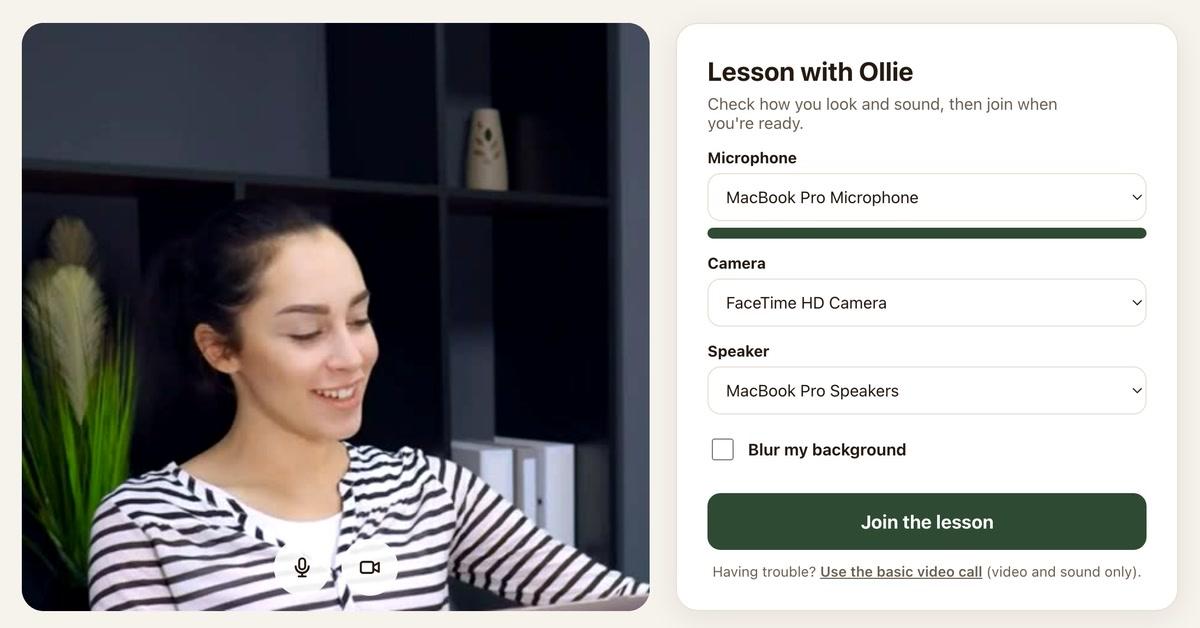
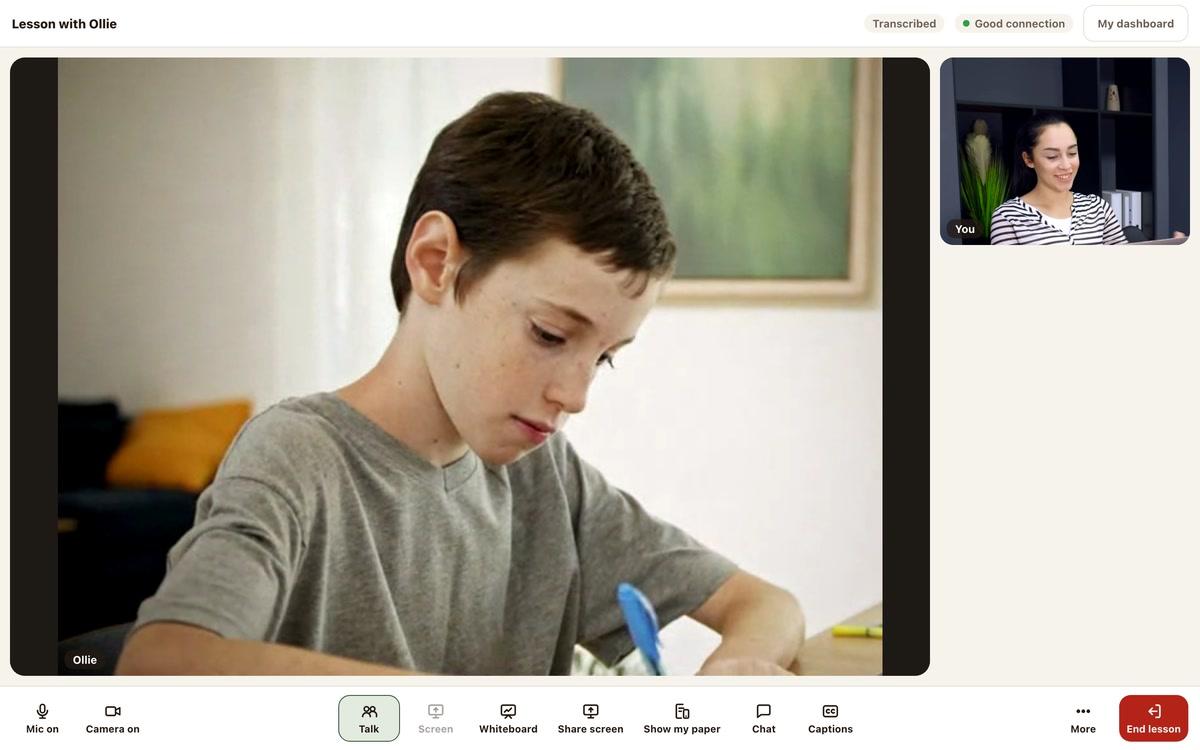
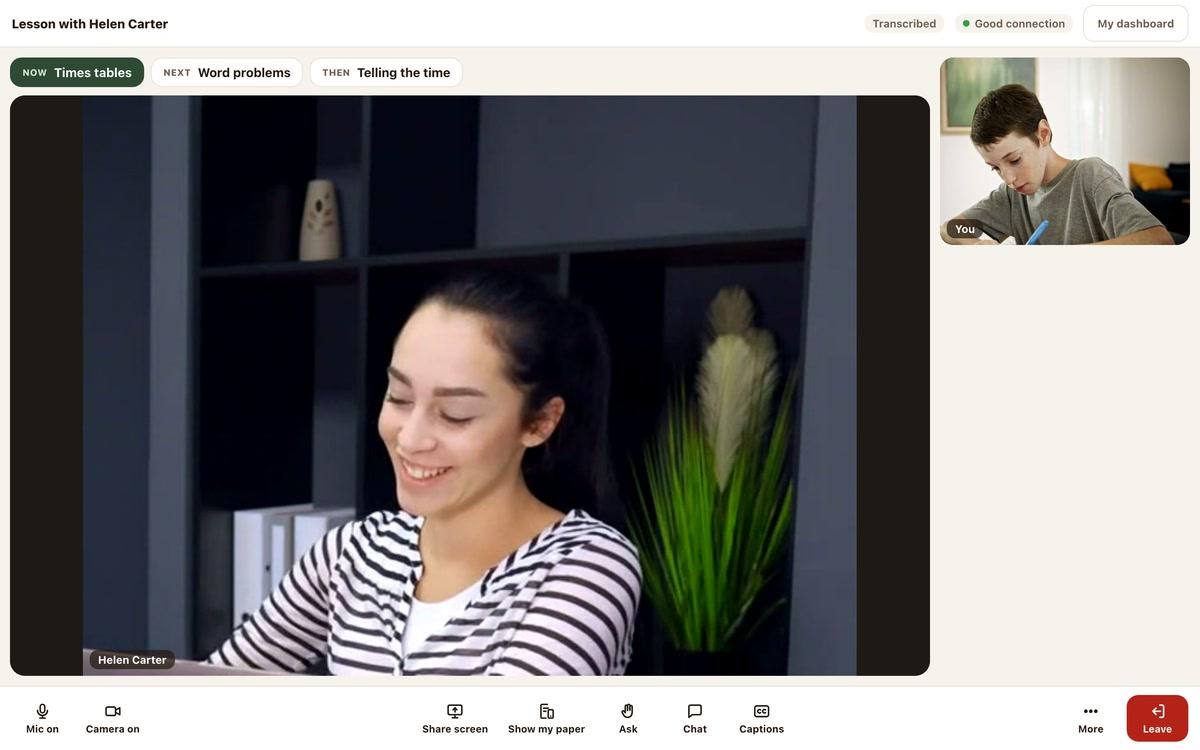
Before your first lesson, have a practice. Try the lesson tools and see what the child would see.
Music: “Rise” by Corporate Music Zone, from Free Stock Music, licensed under CC BY 4.0.
Step 1
Open a practice lesson
In your dashboard menu, open Test video.
On the Test video page, press Practise a lesson. A practice lesson opens.
- Use the real lesson screen
- Practise with every lesson tool
Step 2
Open the child's view
In the practice lesson, press See the child’s view.
A second window opens. It shows what the child would see.
- Try every tool from both sides
- That window has no sound
Good to know
Your practice room is private
The child's window has no sound
Check your equipment too
Still stuck?
We will sort it out with you
Tell us what you pressed, what you saw, and which device and browser you are using.