For tutors
Open the whiteboard and draw together
Open the whiteboard for you and the child. Choose your paper and draw together. You both see every line as it is drawn.
Music: “Rise” by Corporate Music Zone, from Free Stock Music, licensed under CC BY 4.0.
Step 1
Open the whiteboard
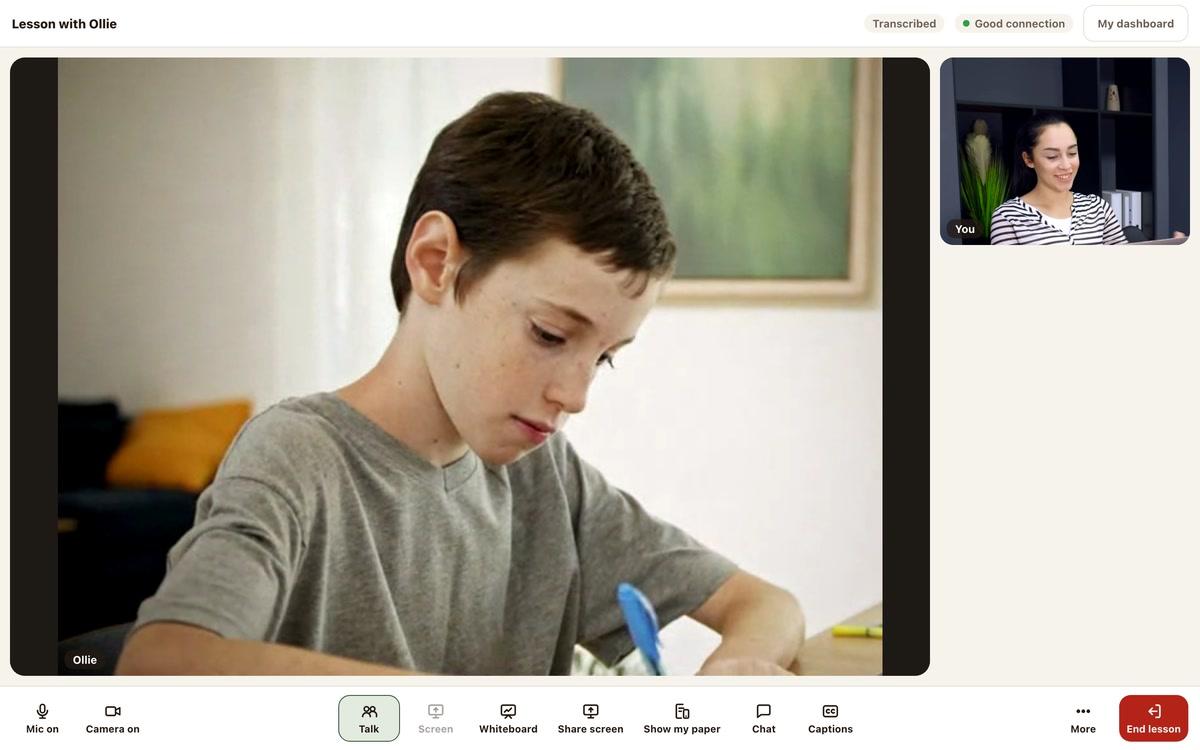
Press Whiteboard in the bottom bar of the lesson screen.
The shared whiteboard opens for you and the child.
- Use the bottom bar
- Open the board for you both
Step 2
Choose your paper
On a new board, a panel asks “How would you like to start?” Press Lined for lined paper, as in the film. If you’ve closed it, press Paper at the top of the board instead.
You can also choose White or Dots (maths) paper, or add a Worksheet. If you’ve used the whiteboard with this child before, the panel lists those lessons too: press Carry on from this lesson and its pages are copied onto today’s board.
- Choose the paper you want
- Or use a worksheet or earlier lesson
Step 3
Choose the pen and draw
Press Pen on the left of the board. Then draw on the board.
The colours and sizes are next to the tools. Choose Black, Blue, Red or Green, and Thin or Thick.
- Choose the pen
- Pick a colour and line size
Step 4
Draw together on the same board
The child can draw too.
You both see every line as it is drawn.
- You can both draw
- See each line as it is drawn
Good to know
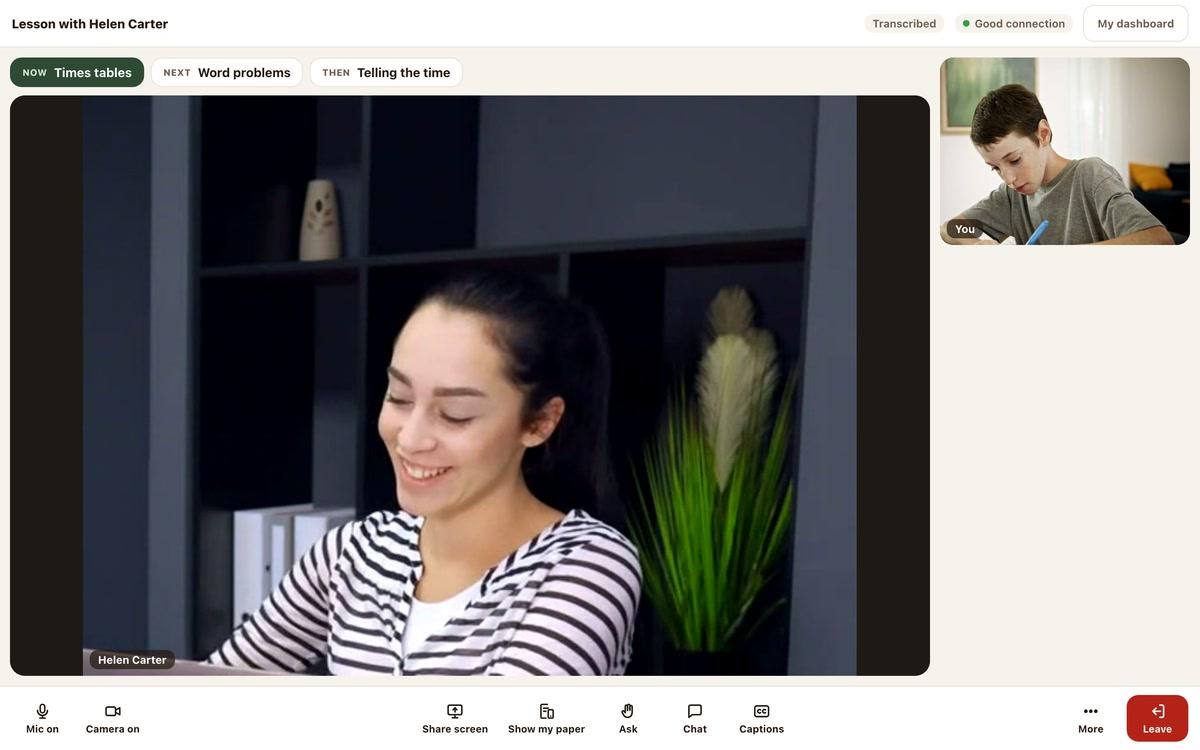
Go back to your faces
Change the paper later
Your drawing is saved
Still stuck?
We will sort it out with you
Tell us what you pressed, what you saw, and which device and browser you are using.